

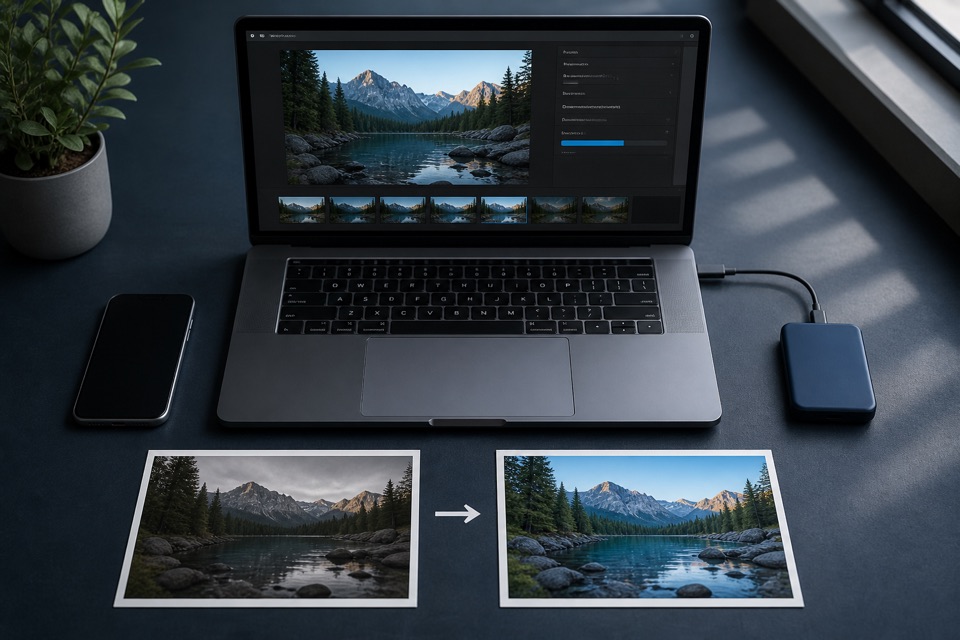
How to Convert HEIC to PNG Without Losing Quality
Learn how HEIC-to-PNG conversion works, what “no quality loss” really means, and how to protect resolution, color, and privacy.
Read guideConvert HEIC and HEIF photos into widely compatible PNG files in your browser.
Add HEIC or HEIF images
✓ or drag & drop✓ Up to 10 files / 150 MB total✓ 50 MB per file
Choose how your PNG files should be created.
Image files are processed locally in your browser and are not uploaded for conversion.
There is no upload queue or account screen. Choose, convert locally, and download.
Drag and drop up to 10 files at once or click to browse. No ZIP, no preparation.
Keep the original size and lossless output, or choose a resize or smaller-file option. Processing stays on your device.
Convert with your chosen settings, then download each PNG separately or collect the batch in a ZIP.
Most free HEIC to PNG converters upload your files, process them remotely, and send back a download link. heictopng.io does not.
Your photos are never sent, stored, or seen by anyone but you.
Keep the original dimensions or choose a smaller size with high-quality user-selected resizing.
GPS location, date taken, and camera details are not copied to the PNG.
Convert a batch and download ready images individually or together in a ZIP file.
No account, no email capture, no watermark, and no repeat-use limit.
Windows, Mac, Linux, and mobile. No installation.
PNG is better when transparency, lossless quality, or repeated editing matters.
Because PNG uses lossless compression after decoding, it avoids adding new lossy artifacts when you edit and save again. Dimensions change only when you select a resize option.
It also supports transparent backgrounds, making PNG a dependable choice for screenshots, logos, interface assets, and design work.
Choose JPG when a smaller photo file matters more than lossless quality.
| Feature | PNG | JPG |
|---|---|---|
| Compression & quality | Lossless; no added artifacts | Lossy; quality can degrade |
| Transparency | Supported | Not supported |
| Typical file size | Usually larger for photos | Usually smaller for photos |
| Compatibility & use | Design, screenshots, editing | Photo sharing and web use |
Many online converters send your photos to a remote server. Even briefly, that puts private images on infrastructure you do not control.
heictopng.io converts locally in your browser. There is no upload to intercept and no server-side copy to store or delete.
That is especially useful for family photos, medical images, ID scans, and other sensitive files.
Use a broadly supported PNG when the original HEIC or HEIF image does not fit the next step in your workflow.
Turn iPhone HEIC photos into PNG files that open in familiar Windows apps.
Create lossless PNG working files at the dimensions you choose for editing or delivery.
Move HEIC assets into widely supported design tools, with transparency preserved when present.
Avoid unsupported-image errors in email, websites, and social publishing workflows.
Clear answers for the formats, devices, and workflows around your images.
Learn how HEIC-to-PNG conversion works, what “no quality loss” really means, and how to protect resolution, color, and privacy.
Read guide
A practical comparison of HEIC and PNG covering compression, image quality, transparency, compatibility, and the right time to convert.
Read guide
Understand the location, camera, date, orientation, and color information a HEIC can carry—and what may change when you convert it to PNG.
Read guideNo upload. No account. Your images never leave your device.
Clear answers about quality, privacy, compatibility, and HEIC or HEIF images.
heictopng.io is a free online tool that converts HEIC and HEIF image files to PNG quickly and directly in your browser.
Yes. There are no hidden fees, watermarks, or sign-up requirements. Convert as many batches of files as you need, whenever you need to.
No. heictopng.io works with zero sign-up. Just open the site and start converting.
No. Image files are processed locally in your browser and are not uploaded for conversion.
Lossless mode preserves decoded pixel quality and the selected dimensions, but the PNG output can be larger than the source HEIC or HEIF file. Smaller-file mode reduces the color palette and may slightly reduce color detail.
You can convert up to 10 files per batch, with a maximum file size of 50 MB per file and a 150 MB total batch limit.
Yes. Since it runs entirely in your browser, heictopng.io works on Windows, Mac, Linux, Chromebook, and mobile devices, with no software installation required.
iPhones save photos in Apple’s HEIC/HEIF format by default, which is not natively supported by many versions of Windows Photo Viewer without additional codecs. Converting them to PNG makes them broadly viewable without extra software.